
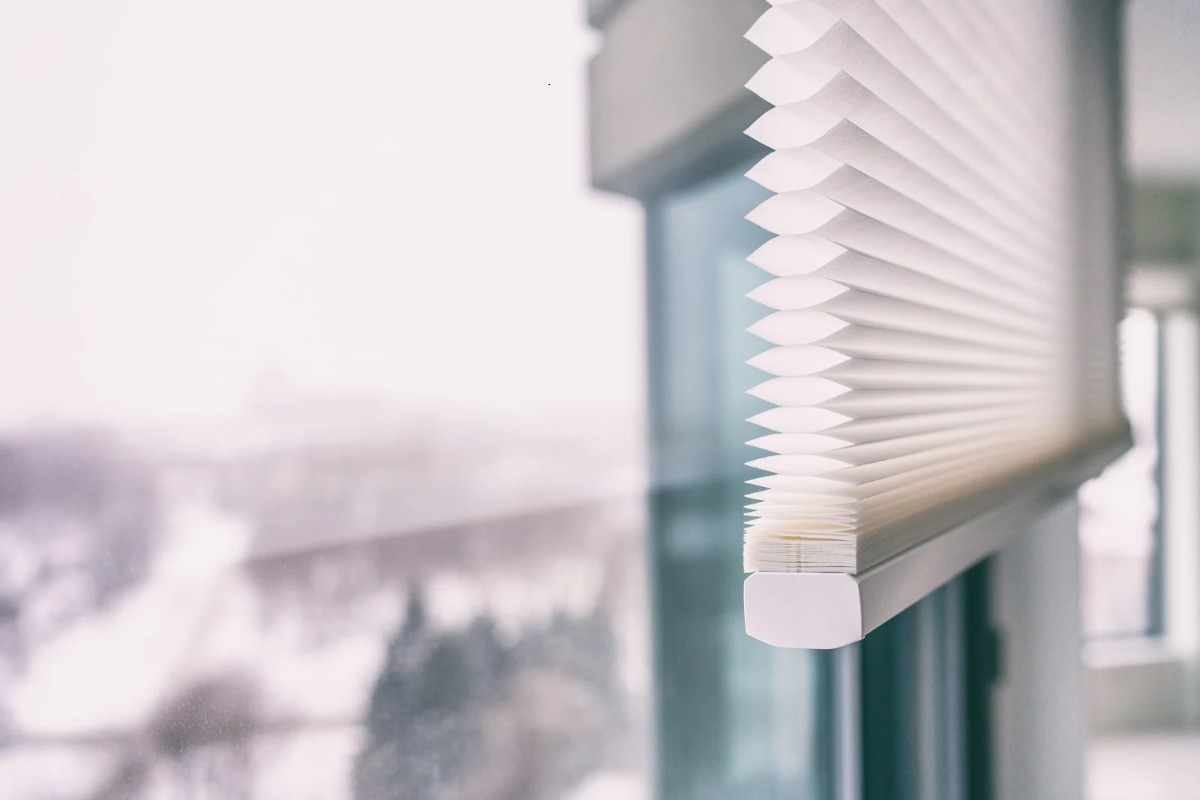
You walk into the condo after a summer away, press the remote, and the living room shades stay right where you left them in May. When motorized blinds are not working, the cause is usually something you can check in about ten minutes, like a tired battery wand, a remote that lost track of a shade, or stop points that drifted while nobody was using them. Shades in second homes and vacation rentals around Steamboat Springs sit idle for months at a time, and that’s when these small problems show up. Work through the checks below in order, and if none of them help, you’ll have useful details ready when you call for a repair.
Why are my motorized blinds not working?
Most motorized blinds stop working because of power. Battery-powered shades slow down, stop partway or ignore the remote as their batteries run low, so batteries are the first thing to rule out. After power, the usual causes are a remote or app that lost its connection to the shade, and top and bottom limits that shifted. A motor can fail, but it’s the last thing to suspect.
Battery life varies more than most owners expect. According to Hunter Douglas battery guidance, an average 50-by-50-inch PowerView shade runs about a year on one set of batteries, while larger shades that move often can drain them in as little as three months.
Start With Power: Batteries, Wands and Hardwired Shades
On most battery-powered shades the batteries sit in a wand clipped behind or beside the headrail, and you can usually reach it from a step stool.
When you open the wand, look at three things. Battery direction comes first, because Hunter Douglas wands wire the batteries in series and one battery in backward stops the whole shade. Then look for corrosion, the white or green crust on the contacts that usually comes from batteries put in the wrong way or a wand that got dropped (Hunter Douglas replaces corroded wands in many cases). Last, use the battery type printed on the wand and replace the whole set at once, since mixing old and new cells shortens the life of all of them.
Rechargeable wands need a full charge on the approved cable before you test again. Cold plays a part too. Batteries deliver less power in a cold room, so a wand that worked fine in July can struggle in a house where the heat has been turned down since the last guests left.
Hardwired shades skip the batteries, so check the breaker and any plug-in power supply. A tripped outlet after a fall power outage is easy to miss.
Once power is sorted, press the small programming or manual button on the headrail. If the shade moves, the power and motor are fine and the problem is in the controls. If there’s no button at all, the shade may run on a different motor brand such as Somfy, and the steps will differ.
When the Remote or App Loses a Shade
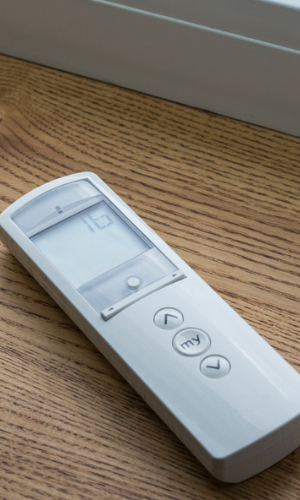
A shade that moves from its own headrail button but ignores the remote has a control problem. Start with the remote’s batteries. Hunter Douglas lists flickering lights and a remote that keeps jumping back to channel one as signs the batteries are low, in its Legacy PowerView troubleshooting guide.
Next, check the group. PowerView shades only respond to a remote once they’re joined to a group, and pressing the wrong group number looks exactly like a dead shade. If a remote got reset or you bought the home with the shades already in place, the pairing may be gone. Our guide on how to program automated shades walks through re-pairing.
App control adds a gateway and your Wi-Fi network to the chain. A new router, a new internet provider or a power outage while you were away can leave the app showing shades as offline even when the remote works fine, and restarting the gateway is the place to start.
Shades That Stop Short or Run Past Their Limits
A shade that stops a few inches early, runs below the sill or hangs crooked usually has low batteries or limits that have drifted. Hunter Douglas lists low batteries as the first cause of shades that run slowly or don’t raise and lower completely, so replace those before you reset anything.
If fresh batteries don’t fix it, the top and bottom limits may need resetting. The process differs by motor and shade style, and a bad reset can leave a shade running up into its headrail. For one shade with clear manufacturer instructions, it’s a reasonable do-it-yourself step. For a whole house of shades on one schedule, or a shade on a clerestory window 20 feet up, it makes sense to have a technician handle it.
When to Book a Repair Visit
Book a repair when a shade has fresh power and still won’t move from its own button, when you hear the motor run but the fabric doesn’t move, or when the cords, fabric or bottom rail look damaged. Those signs point to the motor or the shade’s mechanical parts rather than a setting you can change.
Ben’s Blinds repairs window coverings of every type and brand, including shades we didn’t install. Our repair and motorization services cover battery replacement, remote setup, limit resets, retrofits and troubleshooting, and every repair comes with a simple guarantee: if it can’t be fixed, there’s no charge. For second-home owners and property managers in Steamboat Springs, Hayden and Oak Creek, a quick check before the first ski-season guests arrive keeps a stuck shade from turning into a guest complaint.
Motorized Shade FAQs
How long do motorized shade batteries last?
Hunter Douglas estimates about one year for an average 50-by-50-inch PowerView shade. Larger shades, or shades that move several times a day, can need new batteries in as little as three months.
Does cold weather affect motorized shade batteries?
Yes. Batteries put out less power when they’re cold, so shades in a home kept at a low winter temperature may run slowly or stop until the batteries are replaced or the room warms up.
Why did only one of my motorized shades stop working?
A single dead shade almost always points to that shade’s own battery wand, its pairing or its limits. When every shade stops at once, look at the remote, the gateway or the power to the house.
Can I reset PowerView shades myself?
Many PowerView shades can be reset at the headrail button using the Hunter Douglas instructions for your shade’s generation. A reset clears programming and limits, so if you have several shades on schedules, a technician can reset and re-pair them in one visit.
Do you repair motorized shades you didn’t install?
Yes. Ben’s Blinds repairs and services motorized shades of all brands throughout Steamboat Springs and Routt County, whether we installed them or not.
If you’ve worked through the batteries, the remote and the limits and a shade still won’t cooperate, give us a call at 970-846-6716 and we’ll come take a look. And if you’re replacing old corded shades or adding automation to windows you can’t reach, our motorization page shows the systems we install (Hunter Douglas PowerView included) for homes from Steamboat to Denver.
Comments are closed